Changelog

All of the latest additions and improvements we've made to DivMagic

2024

March 2, 2024

New FeatureImprovementsRelease

🆕 📈 🚢 New Feature

  • Added a new tool to the toolbox: Color Picker
  • You can now copy colors from any website and directly use them in your projects
  • For now, this is only available in the Chrome extension. We are working on adding this feature to the Firefox extension as well.
February 24, 2024

New FeatureImprovementsRelease

💡 📈 🚢 New Features and Improvements

  • This version includes multiple new features: Toolbox, Live Editor, Options Page, Context Menu
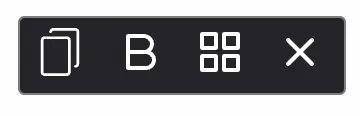
  • Toolbox will include all tools you'll need for web development in one place. Font Copying, Color Picker, Grid Viewer, Debugger and more.
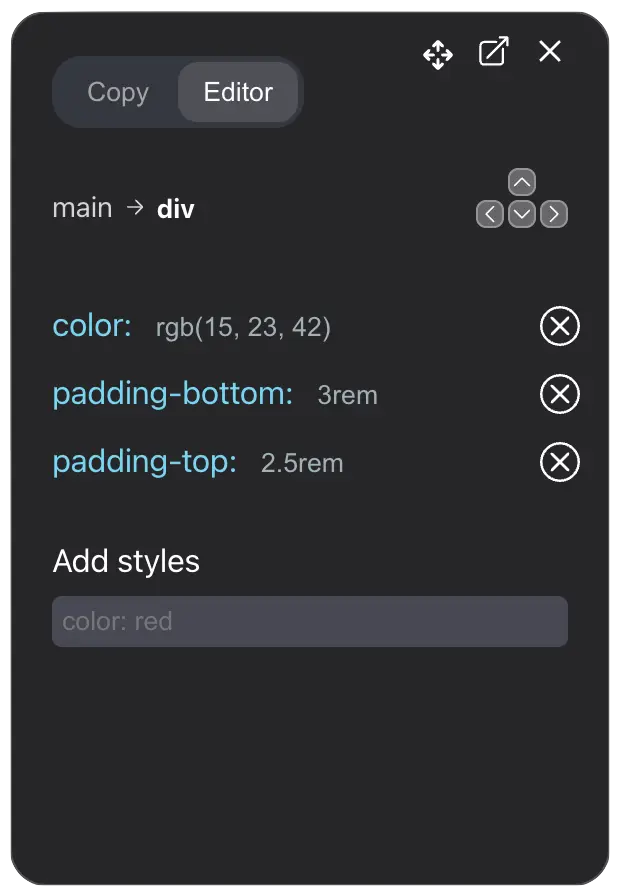
  • Live Editor will allow you to edit the copied element directly in the browser. You can make changes to the element and see the changes live.
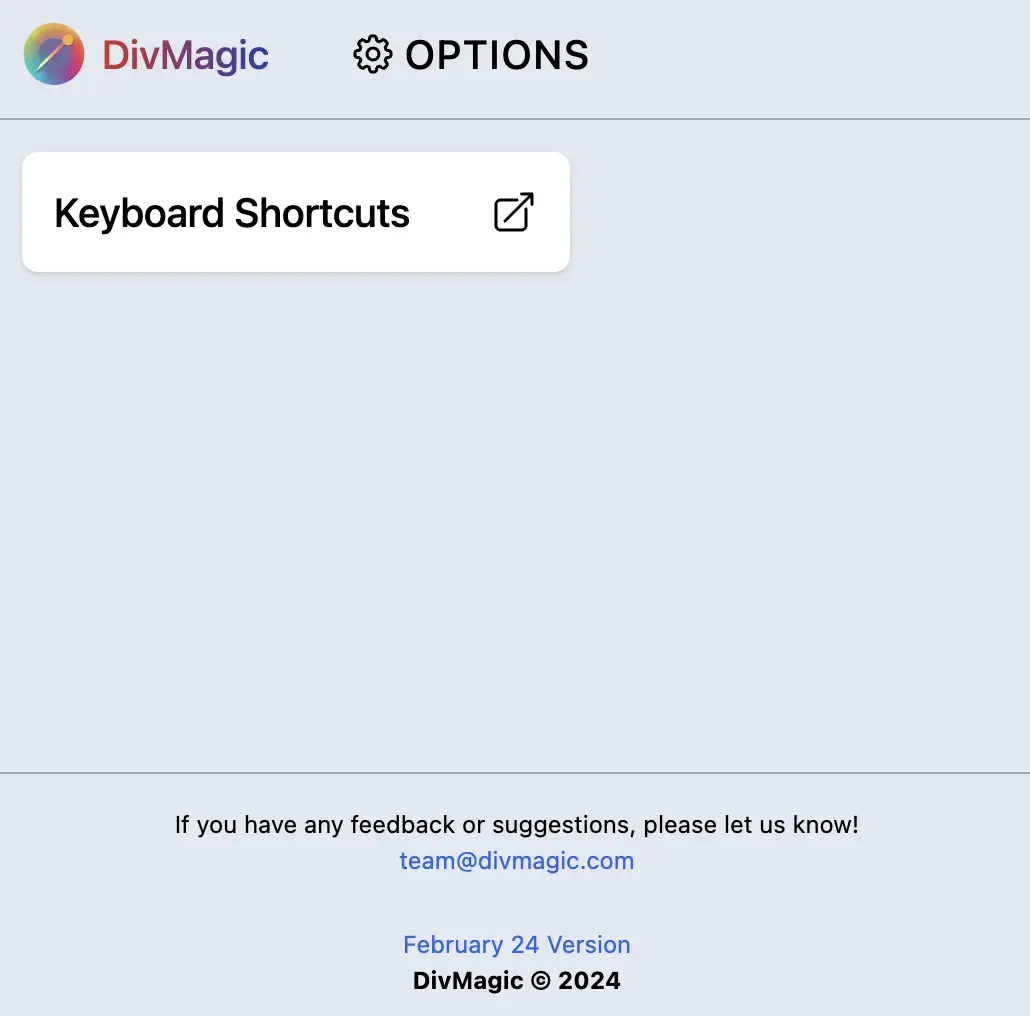
  • Options Page will allow you to customize the extension settings. You can change the default settings and set your preferences.
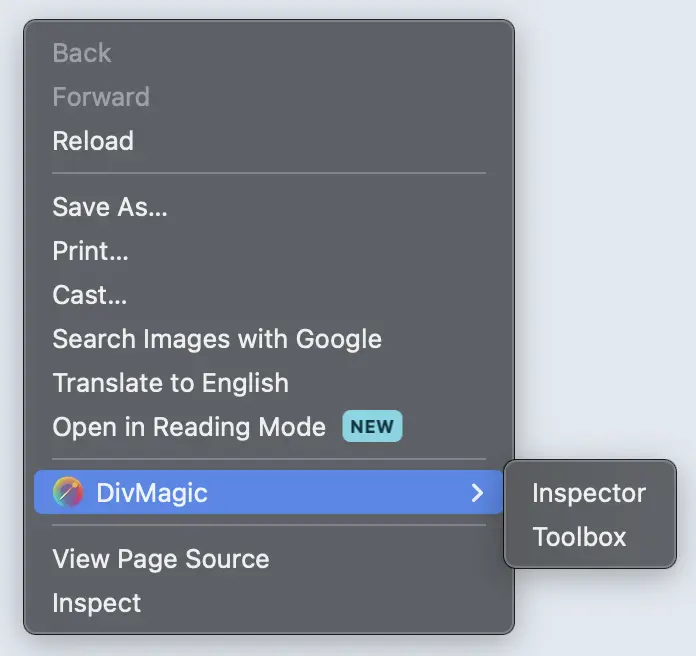
  • Context Menu will allow you to access DivMagic directly from the right-click menu. You can copy elements or launch the toolbox directly from the context menu.
  • Toolbox
  • Toolbox includes Inspect Mode, Font Copying and Grid Viewer. We are going to add more tools to the toolbox in the future.
  • Live Editor
  • Live Editor will allow you to edit the copied element directly in the browser. You can make changes to the element and see the changes live. This will make it easier to make changes to the copied element.
  • Options Page
  • Options Page will allow you to customize the extension settings. You can change the default settings and set your preferences.
  • Context Menu
  • Context Menu will allow you to access DivMagic directly from the right-click menu. Right now it has two options: Copy Element and Launch Toolbox.
New Features and ImprovementsNew Features and ImprovementsNew Features and ImprovementsNew Features and Improvements