Changelog

All of the latest additions and improvements we've made to DivMagic

2024

November 24, 2024

New FeatureImprovements

💡 📈 New Design

  • New Design for DivMagic Website and Tools
  • We've updated the design of the DivMagic website and tools to make it more modern and user-friendly.
  • We are working improvements to the extension and Studio to provide you with a better experience.
October 8, 2024

New FeatureBug Fix

🆕 🐛 WordPress Integration Update

  • WordPress Integration New Changes
  • We've updated the WordPress Gutenberg integration to fix styling issues of the copied elements to provide more robust experience.

September 24, 2024

New FeatureImprovements

🆕 🚀 WordPress Integration Update

  • WordPress Integration New Changes
  • We've updated the WordPress Gutenberg integration to improve the responsiveness of copied elements.

September 20, 2024

New FeatureImprovements

✨ 🚀 WordPress Integration and Ruler Tool

  • WordPress Integration
  • We've added WordPress Gutenberg integration, which will be extremely useful for WordPress users.
  • After you selected an element, you can click on 'Export to WordPress' button. Then, go to WordPress Gutenberg and the component will show up as a block in the editor.
  • Ruler Tool
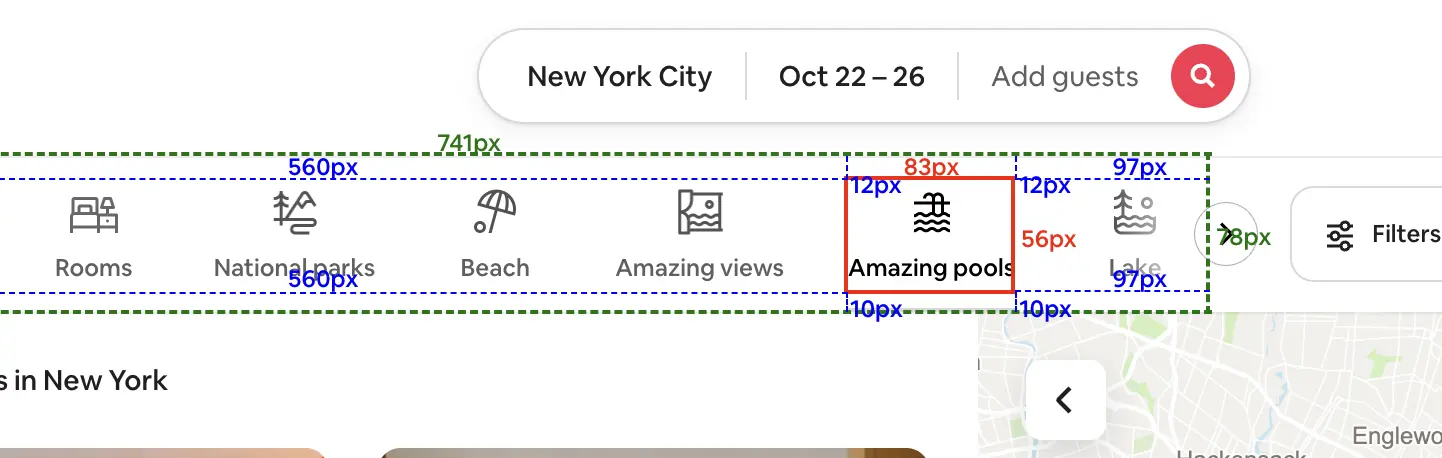
  • We've added a Ruler tool to the toolbox. This allows you to see an element's width/height, as well as margin and padding, making it easier to copy elements accurately.
  • Enhanced user interface for better usability
  • Performance optimizations for faster element copying
WordPress Integration and Ruler Tool

July 14, 2024

New FeatureImprovementsBug Fix

🆕 ⚡ 🐛 Improvements and Bug Fixes

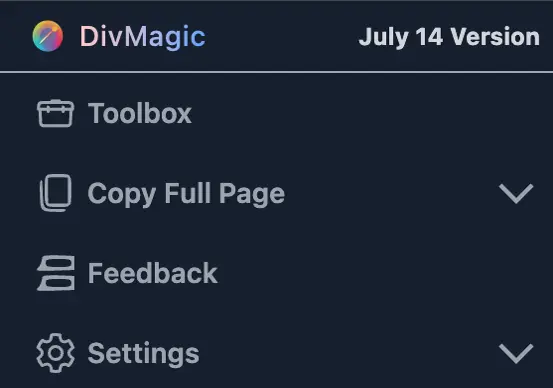
  • Copy Full Page feature additions
  • You can select which Component and Style you want to copy during the Full Page Copy
  • Updated Copying Logic
  • The copied code will be more accurate and cleaner
  • Fixed a bug where some components were missing in the component library
Improvements and Bug Fixes

May 14, 2024

New FeatureImprovementsBug Fix

✨ 📈 🐛 New UI, Improvements and Bug Fixes

  • New UI for the extension
  • We have updated the UI of the extension to make it more user-friendly.
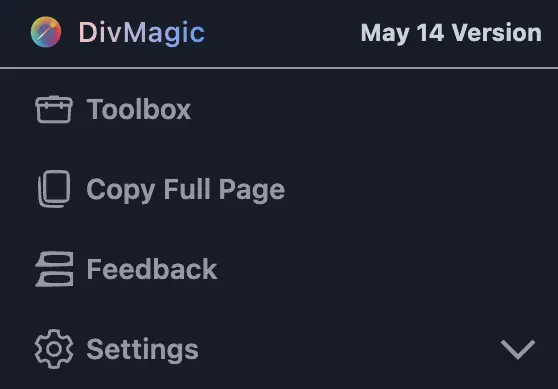
  • Added Copy Full Page feature
  • You can now copy full pages with one click
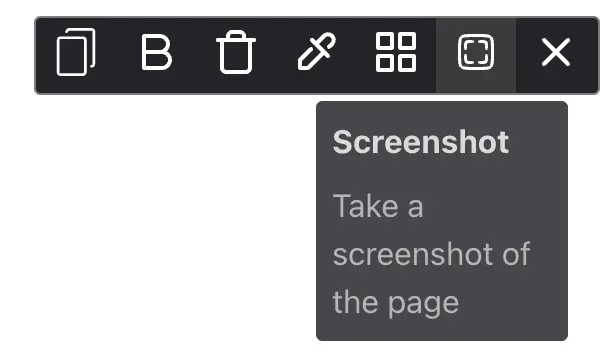
  • Added a new tool to the toolbox: Screenshot Tool
  • You can now take screenshots of any website and directly download them
  • Fixed a bug where some previews were not showing correctly in component library
New UI, Improvements and Bug FixesNew UI, Improvements and Bug Fixes

April 8, 2024

New FeatureImprovements

✨ ⚡ New Feature and Improvements

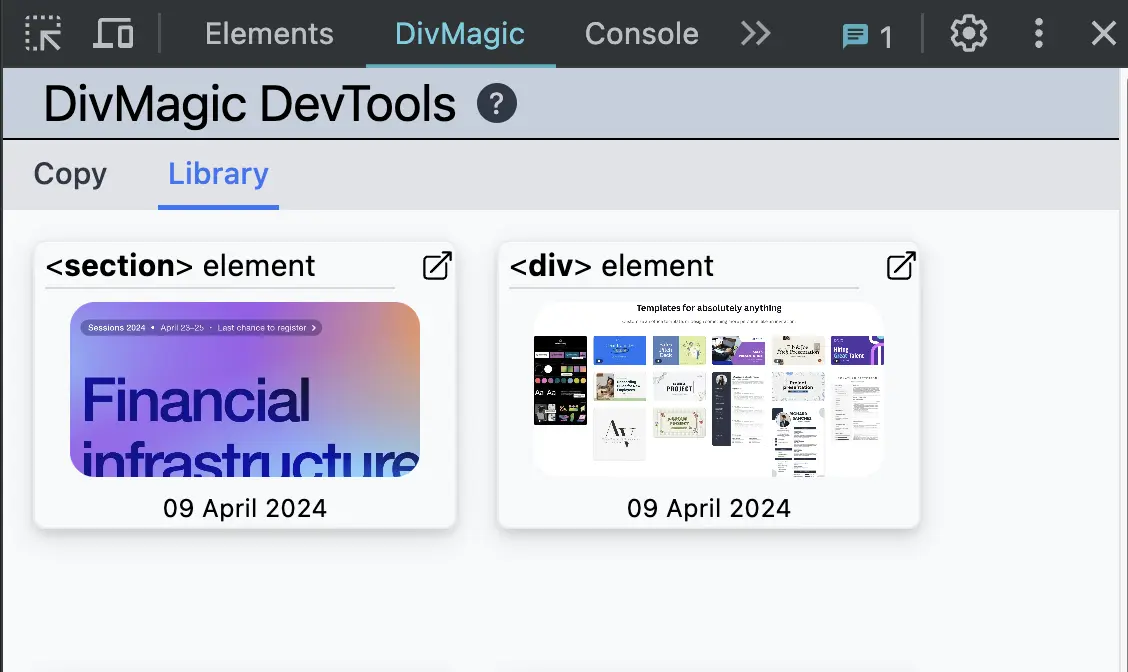
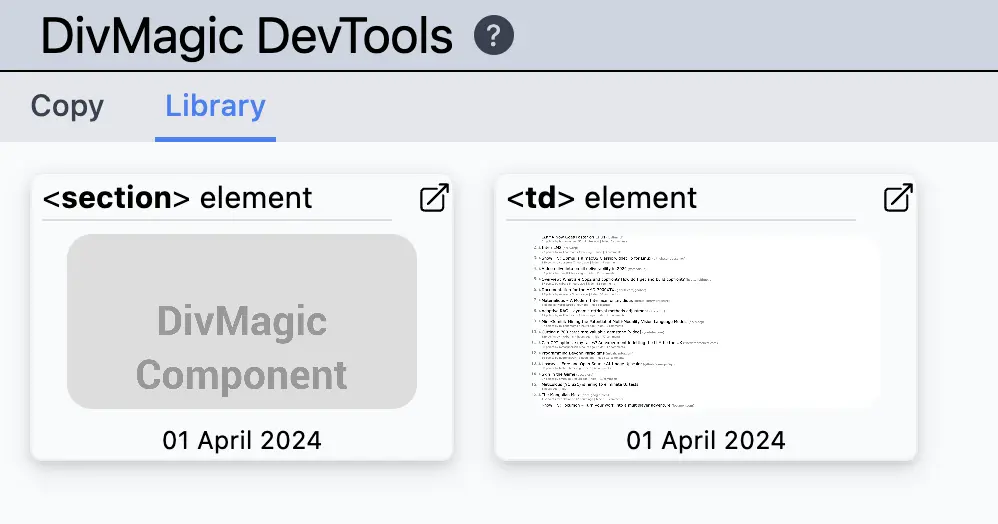
  • This version includes a new feature: Previews in Component Library
  • You can now see the previews of your saved components in the Component Library.
  • You can also go to your dashboard directly from the extension.
  • Improved the performance of the extension
New Feature and Improvements

March 31, 2024

New Feature

💡 New Feature

  • This version includes a new feature: Component Library
  • You can now save your copied elements to the Component Library. This will allow you to access your saved components anytime.
  • You can also share your components with others by sharing the Studio link.
  • You can also export your components to DivMagic Studio directly from the Component Library.
New Feature

March 15, 2024

New FeatureImprovements

💡 🚀 New Features and Improvements

  • This version includes three new features: New Tool for Toolbox, New Copying Options and Auto-Complete for Editor Mode
  • Thrash Tool for Toolbox
  • Thras Tool will allow you to hide or delete elements from the website.
  • New Copying Options
  • You can now copy HTML and CSS separately.
  • You can also get copied HTML and CSS code with the original HTML attributes, classes, and IDs.
  • Auto-Complete for Editor Mode
  • Auto-Complete will suggest the most common CSS properties and values as you type.
  • Added an option to Export Code to DivMagic Studio directly from Copy Options
  • Improved style optimization code to reduce the size of the output
  • Improved responsiveness of the copied style

March 2, 2024

New FeatureImprovementsRelease

🆕 📈 🚢 New Feature

  • Added a new tool to the toolbox: Color Picker
  • You can now copy colors from any website and directly use them in your projects
  • For now, this is only available in the Chrome extension. We are working on adding this feature to the Firefox extension as well.

February 24, 2024

New FeatureImprovementsRelease

💡 📈 🚢 New Features and Improvements

  • This version includes multiple new features: Toolbox, Live Editor, Options Page, Context Menu
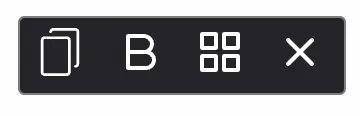
  • Toolbox will include all tools you'll need for web development in one place. Font Copying, Color Picker, Grid Viewer, Debugger and more.
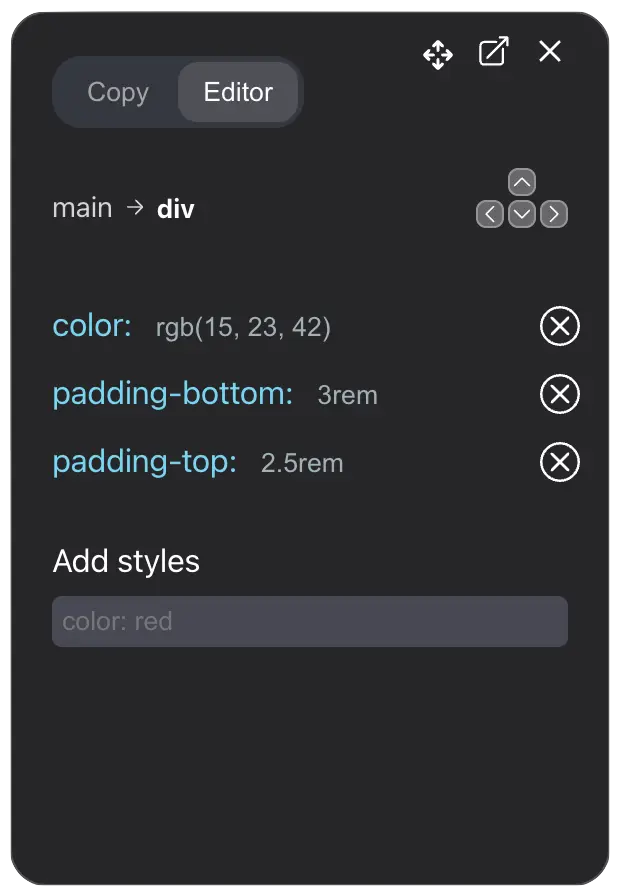
  • Live Editor will allow you to edit the copied element directly in the browser. You can make changes to the element and see the changes live.
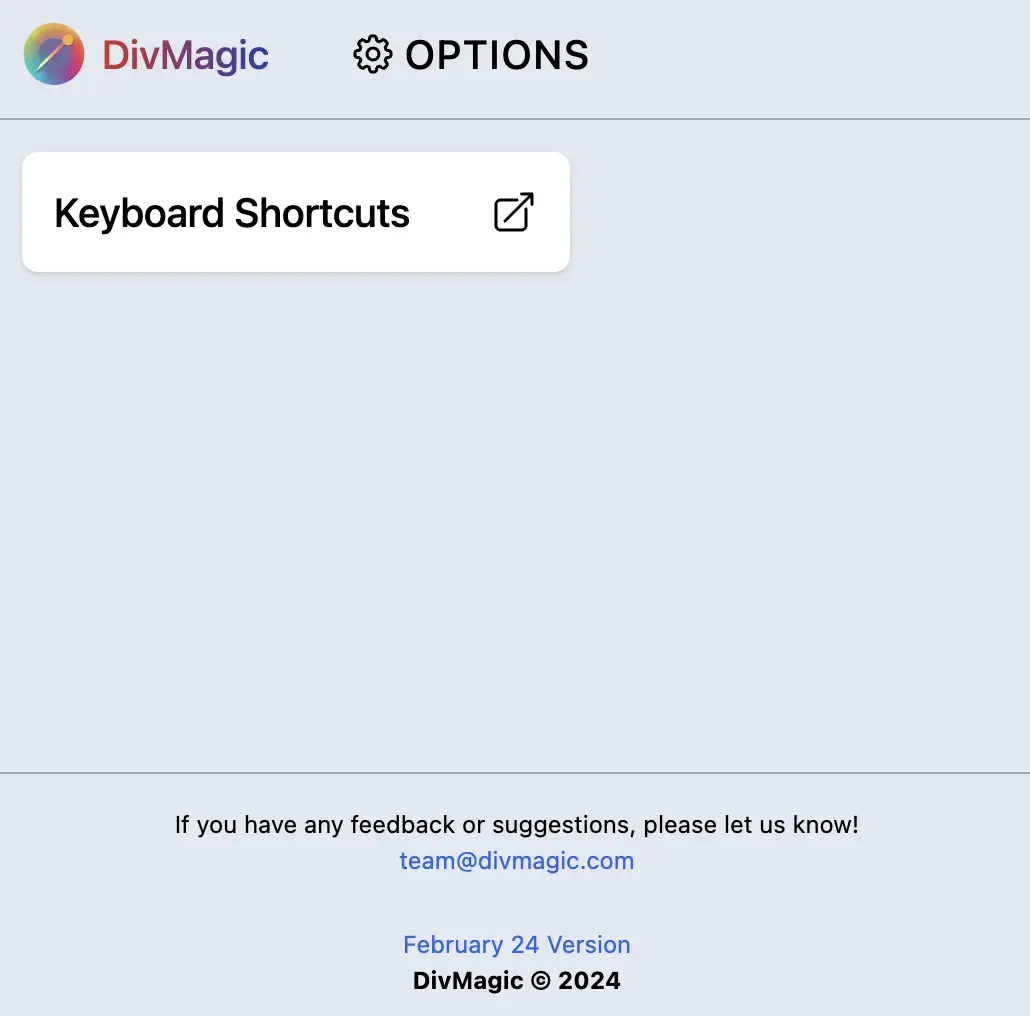
  • Options Page will allow you to customize the extension settings. You can change the default settings and set your preferences.
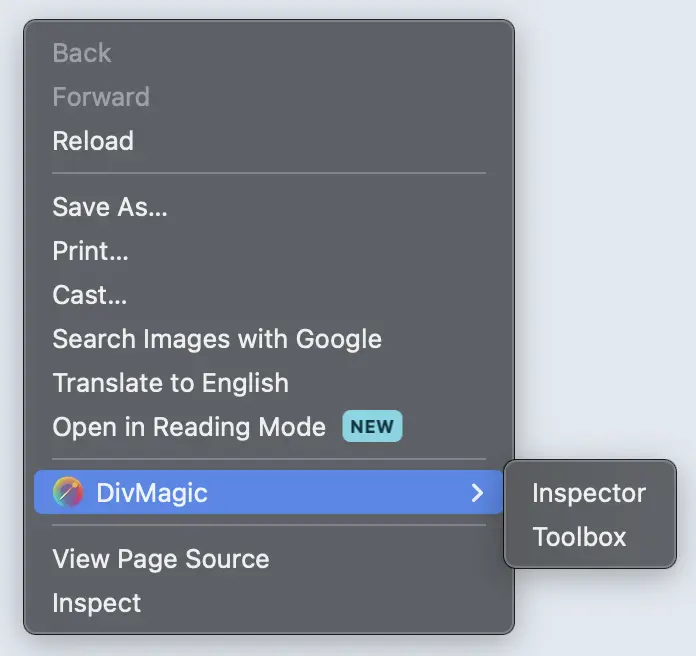
  • Context Menu will allow you to access DivMagic directly from the right-click menu. You can copy elements or launch the toolbox directly from the context menu.
  • Toolbox
  • Toolbox includes Inspect Mode, Font Copying and Grid Viewer. We are going to add more tools to the toolbox in the future.
  • Live Editor
  • Live Editor will allow you to edit the copied element directly in the browser. You can make changes to the element and see the changes live. This will make it easier to make changes to the copied element.
  • Options Page
  • Options Page will allow you to customize the extension settings. You can change the default settings and set your preferences.
  • Context Menu
  • Context Menu will allow you to access DivMagic directly from the right-click menu. Right now it has two options: Copy Element and Launch Toolbox.
New Features and ImprovementsNew Features and ImprovementsNew Features and ImprovementsNew Features and Improvements