Changelog

All of the latest additions and improvements we've made to DivMagic

2023

December 20, 2023

New FeatureImprovementsBug Fix

✨ ⚡ ⚙️ New Features and Improvements and Bug Fixes

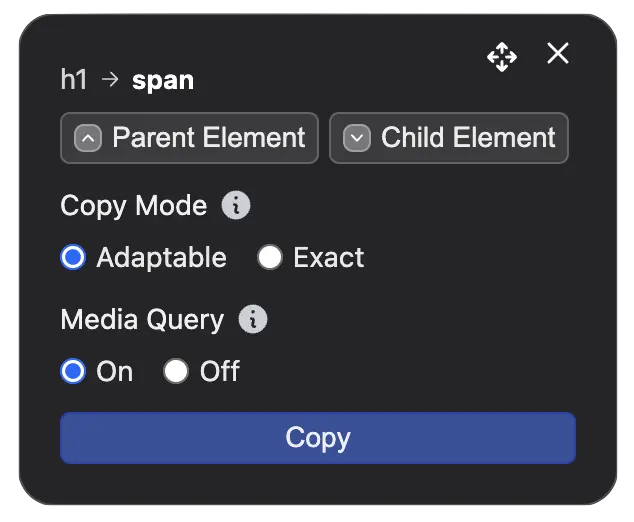
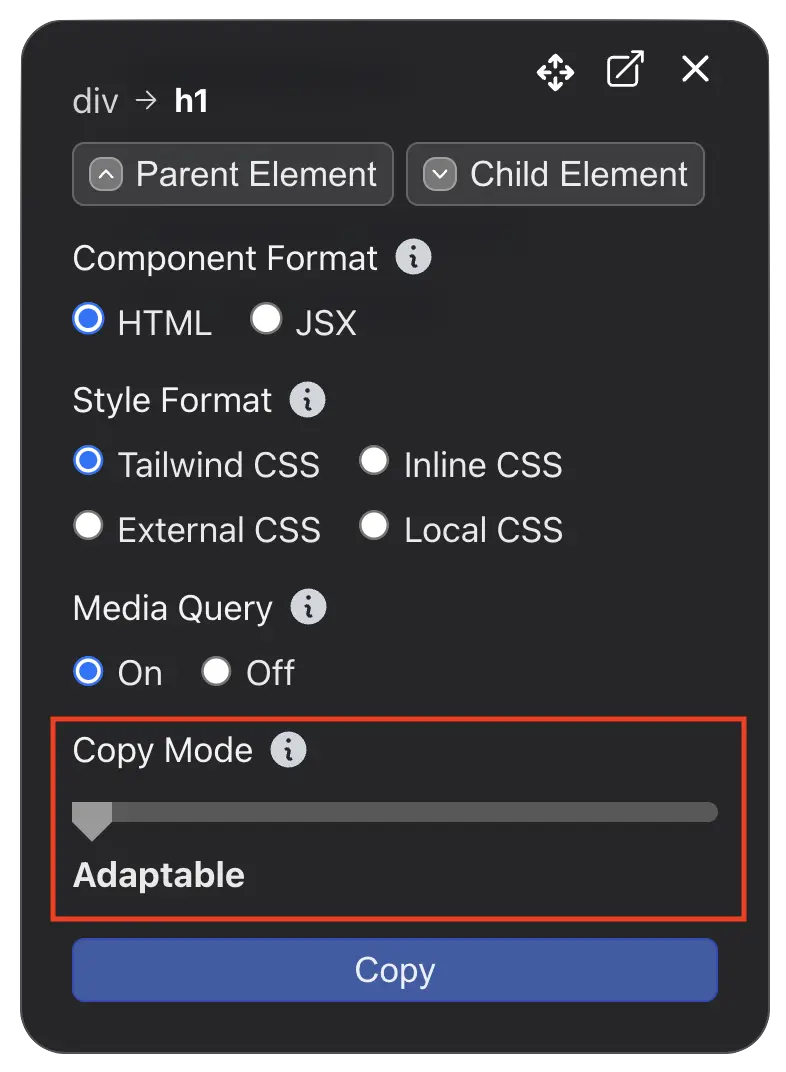
  • This version includes an updated control panel for Copy Mode
  • You can now choose the range of detail you want to copy when copying an element.
  • We're going to add more options to Copy Mode to give you more control over the copied element.
  • Improved conversion speed
  • Improved style optimization code to reduce the size of the output
  • Improved responsiveness of the copied style
  • Fixed a bug where unnecessary CSS attributes were included in the output
  • Fixed a bug where DivMagic panel was not visible on some websites
  • Thanks to all of you who are reporting bugs and issues! We are working on fixing them as soon as possible.
New Features and Improvements and Bug Fixes

December 2, 2023

New FeatureImprovementsBug Fix

✨ 📈 🔧 Improvements and Bug Fixes

  • This version includes improvements to the responsiveness of the copied style.
  • We've also made improvements to the style optimization code to reduce the size of the output.
  • Improved Webflow conversion
  • Improved style optimization code to reduce the size of the output
  • Improved responsiveness of the copied style
  • Fixed a bug where unnecessary CSS attributes were included in the output
  • Thanks to all of you who are reporting bugs and issues! We are working on fixing them as soon as possible.

November 15, 2023

New FeatureImprovementsBug Fix

💡 📈 ⚙️ New Features and Improvements and Bug Fixes

  • This version includes a new feature: Export to DivMagic Studio
  • You can now export the copied element to DivMagic Studio. This will allow you to edit the element and make changes to it in DivMagic Studio.
  • Improved style optimization code to reduce the size of the output
  • Improved responsiveness of the copied style
  • Fixed a bug where unnecessary CSS attributes were included in the output

November 4, 2023

New FeatureImprovementsBug Fix

💡 ⚡ ⚙️ New Features and Improvements and Bug Fixes

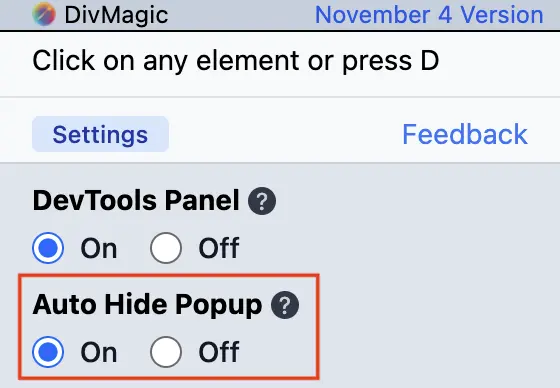
  • This version includes a new feature: Auto Hide Popup
  • When you enable Auto Hide Popup from the popup settings, the extension popup will automatically disappear when you move your mouse away from the popup.
  • This will make it faster to copy elements because you won't need to close the popup by clicking manually.
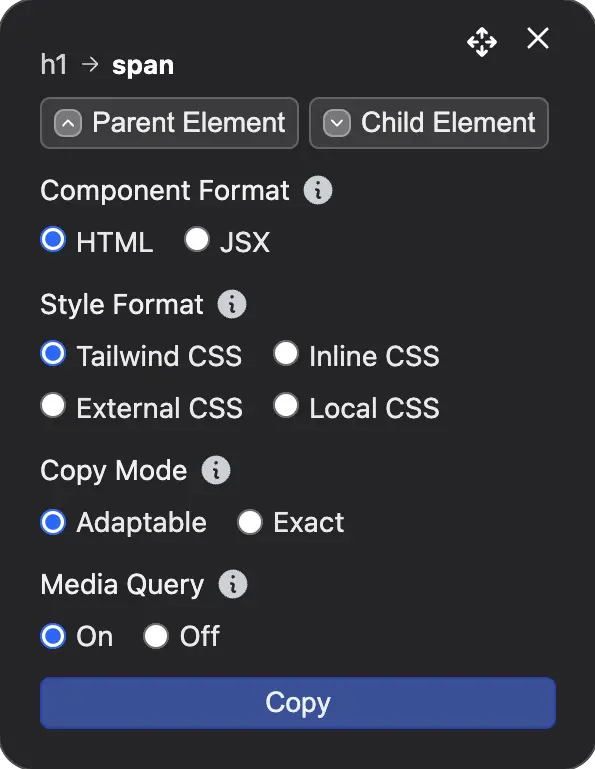
  • This version also includes changes for the location of the settings. Component and Style Formats have been moved to the Copy Controller.
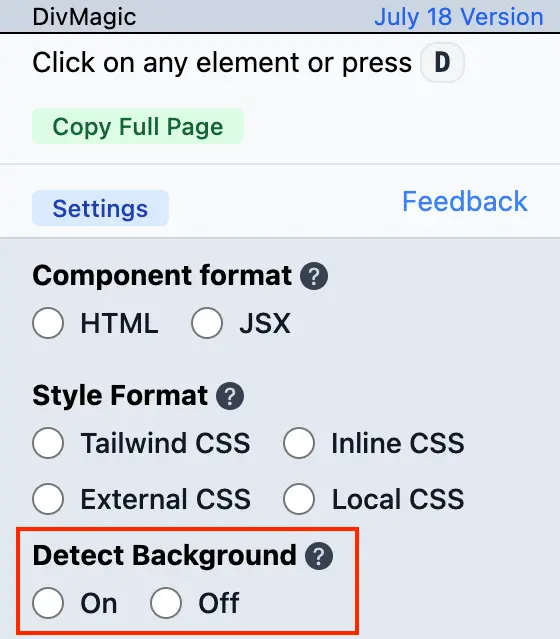
  • We have also removed the Detect Background Color option. It is enabled by default now.
  • Improved style optimization code to reduce the size of the output
  • Improved responsiveness of the copied style
  • Improved DevTools integration to handle multiple open tabs
  • Fixed a bug where options were not saved correctly
New Features and Improvements and Bug FixesNew Features and Improvements and Bug FixesNew Features and Improvements and Bug Fixes

October 20, 2023

New FeatureImprovementsBug Fix

✨ 🚀 ⚙️ New Features and Improvements and Bug Fixes

  • This version includes a new feature: Media Query CSS
  • You can now copy the media query of the element you are copying. This will make the copied style responsive.
  • For detailed information, please see the documentation on Media Query CSS
  • This version also includes a new change. Copy Full Page button has been removed. You can still copy full pages by selecting the body element.
  • Improved style optimization code to reduce the size of the output
  • Made improvements to style copying to remove unnecessary styles
  • Improved DevTools integration to copy styles faster
  • Fixed bugs related to absolute and relative element copying
New Features and Improvements and Bug FixesNew Features and Improvements and Bug Fixes

October 12, 2023

New FeatureImprovementsBug Fix

💡 🚀 🔧 New Features and Improvements and Bug Fixes

  • This version includes two new features: Copy Mode and Parent/Child Element selection
  • Copy Mode will allow you to adjust the range of detail you get when copying an element.
  • Please see the documentation for more information about Copy Mode.
  • Parent/Child Element selection will let you switch between the parent and child elements of the element you are copying.
  • Improved style optimization code to reduce the size of the output
  • Improved Tailwind CSS class coverage
  • Improved responsiveness of the copied style
  • Improved style optimization code to reduce the size of the output
  • Fixed a bug in element position calculation
  • Fixed a bug in element size calculation
New Features and Improvements and Bug Fixes

September 20, 2023

New FeatureImprovementsBug FixRelease

🆕 ⚡ ⚙️ 🚢 New Feature and Bug Fixes

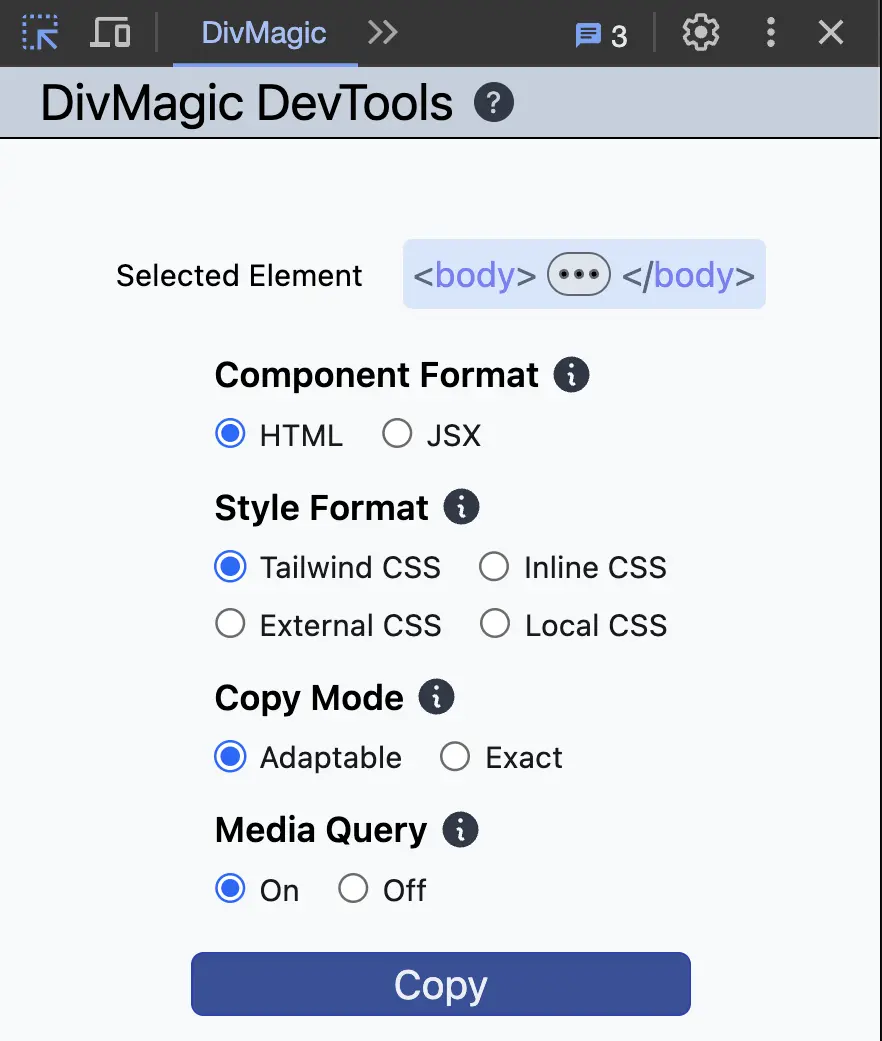
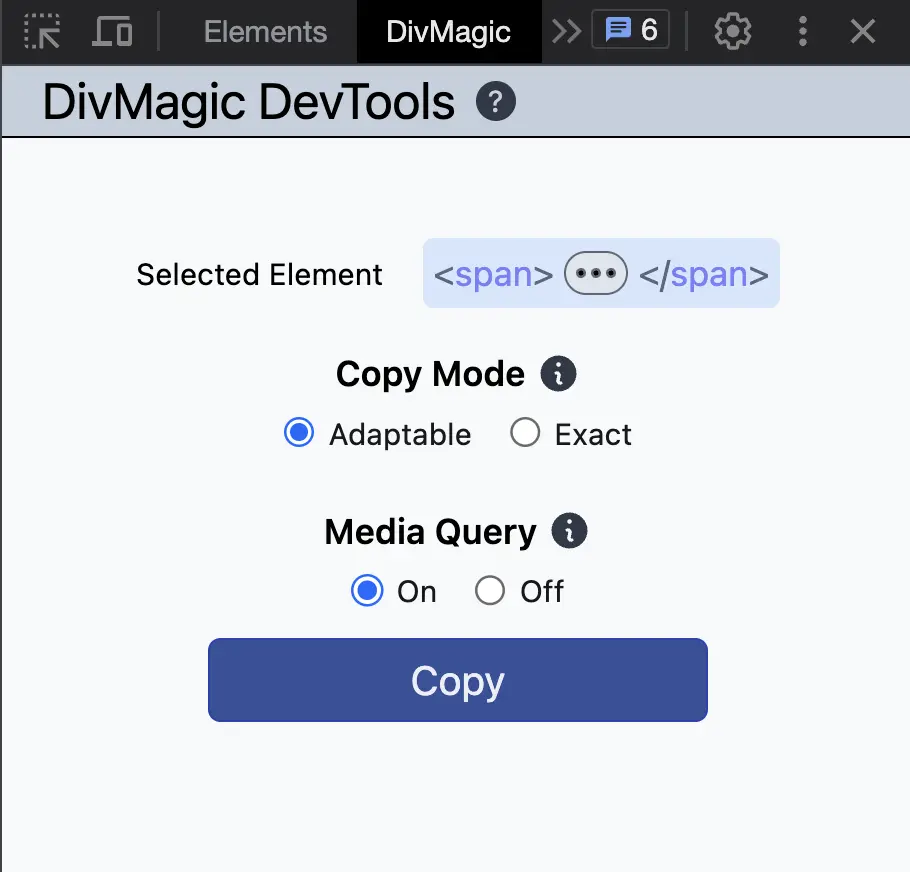
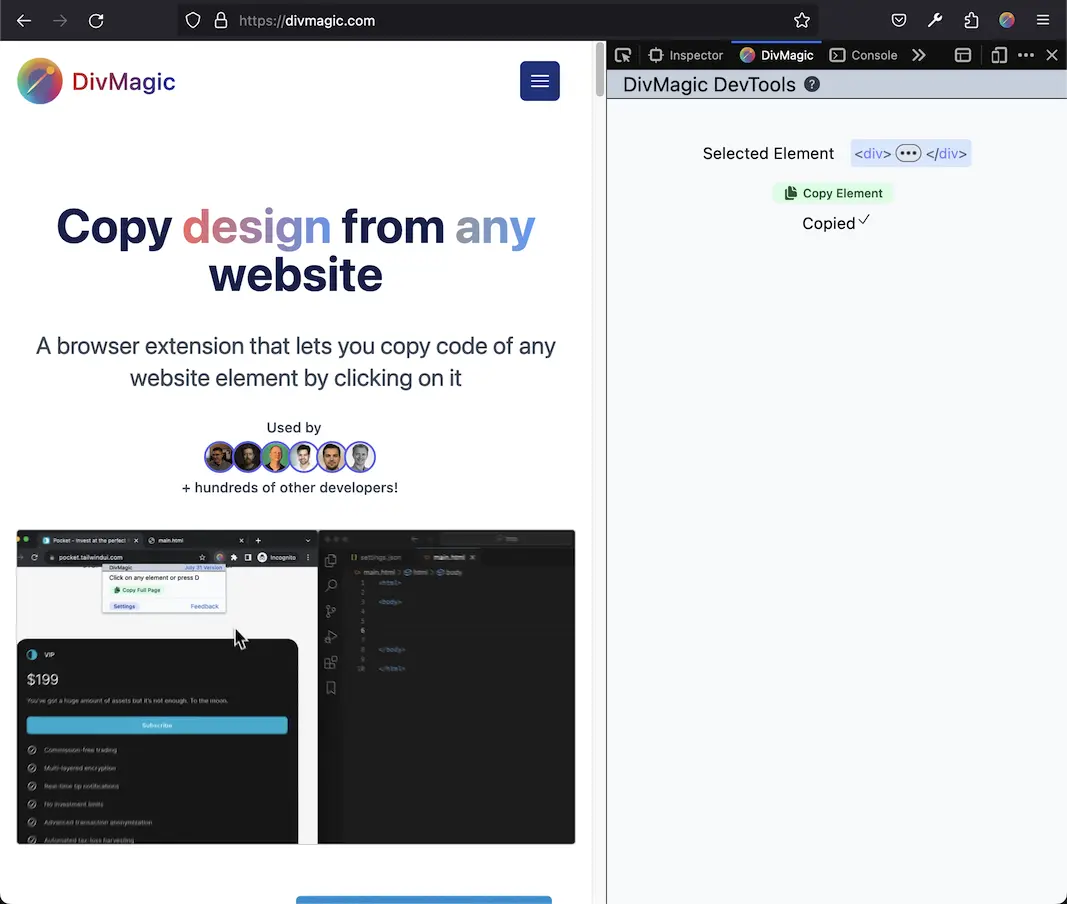
  • DivMagic DevTools is released! You can now use DivMagic directly from DevTools without launching the extension.
  • You can copy elements directly from the DevTools.
  • Select an element by inspecting it and go to DivMagic DevTools Panel, click Copy and the element will be copied.
  • For more information, please see the documentation about DivMagic DevTools.
  • Permissions Update
  • With the addition of DevTools, we've updated the extension permissions. This allows the extension to add the DevTools panel seamlessly on all websites you visit and across multiple tabs.
  • Note
  • When updating to this version, Chrome and Firefox will display a warning that says the extension can 'read and change all your data on the websites you visit'. While the wording is alarming, we assure you that:
  • Minimal Data Access: We only access the bare minimum of data required to provide you the DivMagic service.
  • Data Security: All data accessed by the extension remains on your local machine and is not sent to any external servers. The elements you copy are generated on your device and are not sent to any server.
  • Privacy First: We're committed to safeguarding your privacy and security. For more details, you can view our Privacy Policy.
  • We appreciate your understanding and trust. If you have any concerns or questions, feel free to reach out to our support team.
  • Fixed a bug where conversion settings were not saved
New Feature and Bug Fixes

July 18, 2023

New FeatureImprovementsBug Fix

🆕 🚀 ⚙️ New Feature & Improvements & Bug Fixes

  • You can now detect background of the element you are copying with the new Detect Background feature.
  • This feature will detect the background of the element through the parent. Especially on dark backgrounds, it will be very useful.
  • For detailed information, please see the documentation on Detect Background
  • Improved responsiveness of the copied components
  • Updated SVG elements to use 'currentColor' when possible to make them easier to customize
  • Improved style optimization code to reduce the size of the CSS output
  • Fixed a bug in height and width calculation
New Feature & Improvements & Bug Fixes

July 12, 2023

New FeatureImprovements

🆕 ⚡ New Feature & Improvements

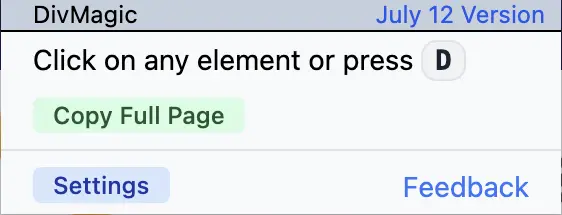
  • You can now copy full pages with the new Copy Full Page feature.
  • It will copy the full page with all of the styles and convert it to the format of your choice.
  • For detailed information, please see the documentation.
  • Improved responsiveness of the copied components
  • Improved style optimization code to reduce the size of the CSS output
New Feature & Improvements

June 6, 2023

New FeatureImprovements

✨ ⚡ New Feature & Improvements

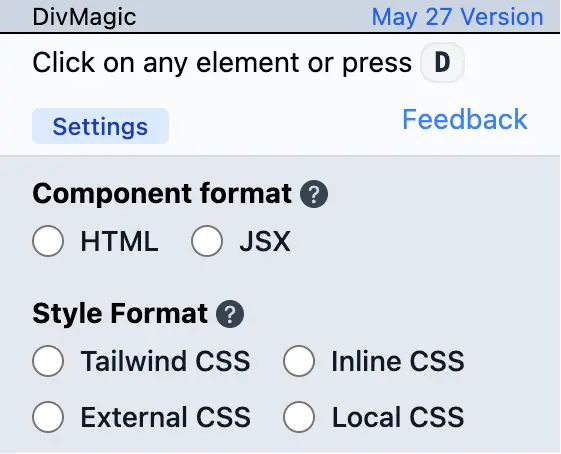
  • You can now convert the copied to CSS. This is a highly requested feature and we are excited to release it!
  • This will allow you to work on your projects with ease.
  • For differences between the Style Formats, please see the documentation
  • Improved style optimization code to reduce the size of the Tailwind CSS output
  • Improved list conversion
  • Improved grid conversion
New Feature & Improvements

May 18, 2023

New FeatureImprovements

🆕 📈 New Feature & Improvements

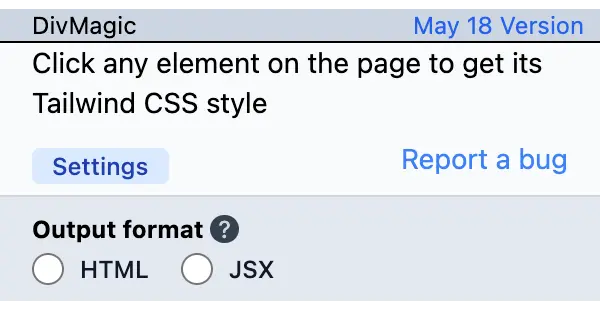
  • You can now convert the copied HTML to JSX! This is a highly requested feature and we are excited to release it.
  • This will allow you to work on your NextJS or React projects with ease.
  • Improved style optimization code to reduce the size of the Tailwind CSS output
New Feature & Improvements